Creation workspace
Since demo 0.8.0, creation menus live in a left sidebar. Game content, shared project settings, and preferences for this device have separate places.
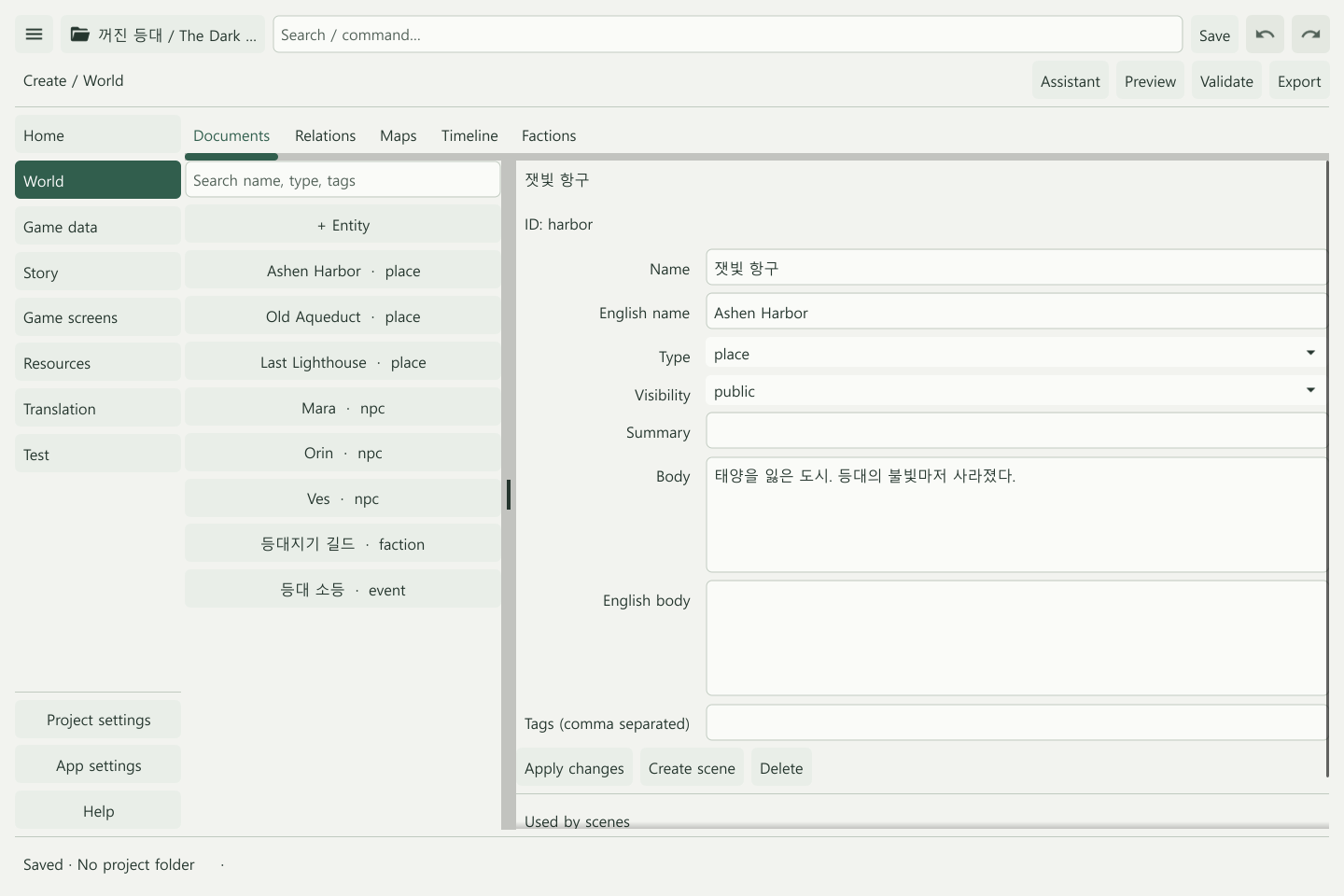
Return to your work
Home can reopen the record or scene you were editing. Type a menu, character name, or scene title in the top search field and select a result to go there. The top-left menu button collapses the sidebar.
Moving to settings keeps your drafts and selection. Use Apply → Save to put those edits in the project and write them to disk. See the editor menu guide for every location.
Team work in project settings
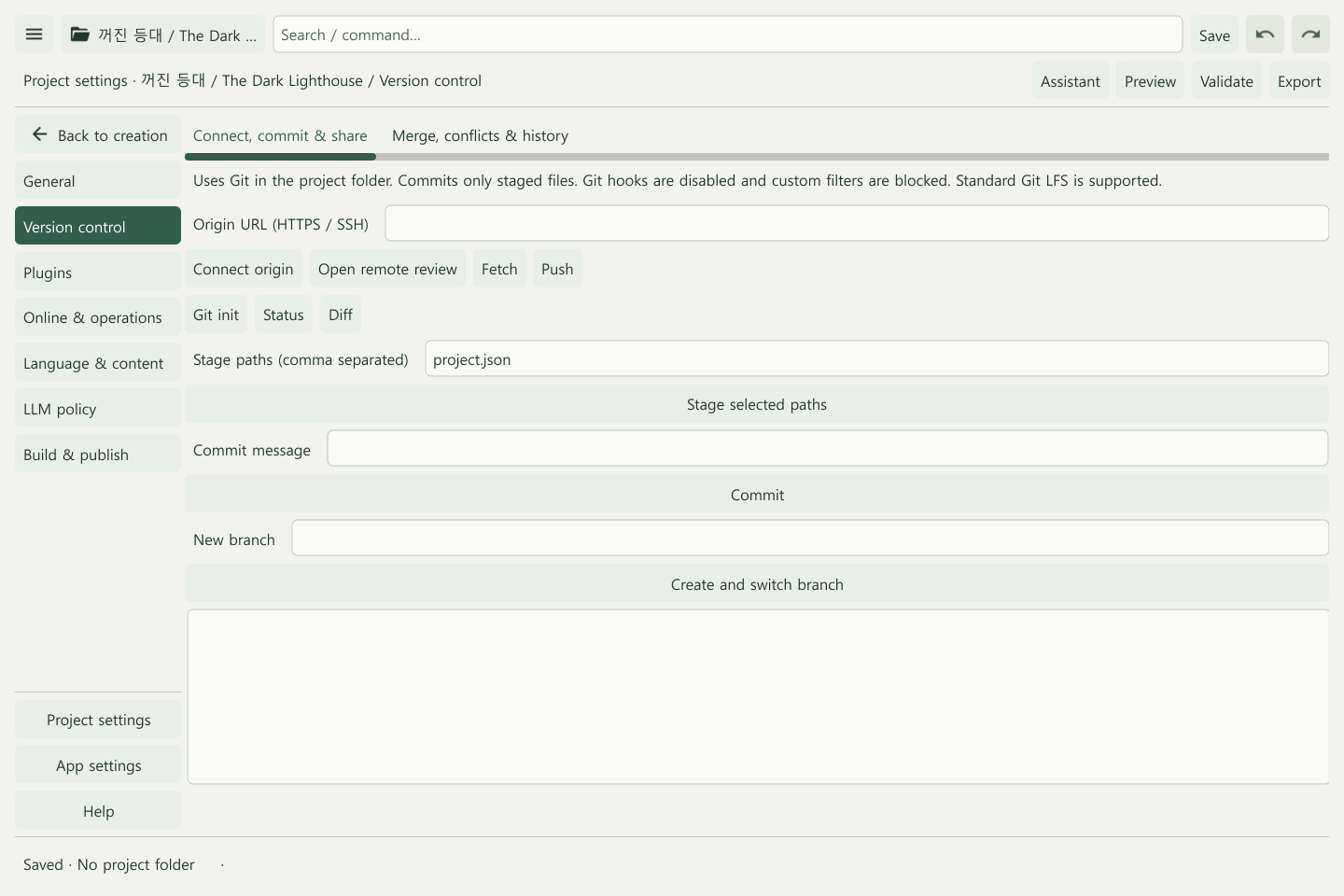
Project settings → Version control has Connect, commit & share and Merge, conflicts & history tabs. Saving, committing, and pushing are separate actions. See Git collaboration for the workflow.
Plugins, online policy, and export settings also belong here. Personal LLM connections are in App settings → Connections. Open the Assistant panel to review proposed edits.
Starting a project
The launcher offers New project, Starter Templates, and Open project. The template catalog includes short stories and feature samples, with removal and restoration. See Starter images and templates.
Still in development
Guided recommended setups, a unified view of change impacts, and freeform game-screen layout editing are planned. The current Game screens menu opens preview and related settings.