Scenes and actions
A scene is a passage the player reads. An action is a choice they select. Actions lead to other scenes and can change the outcome through checks and effects.
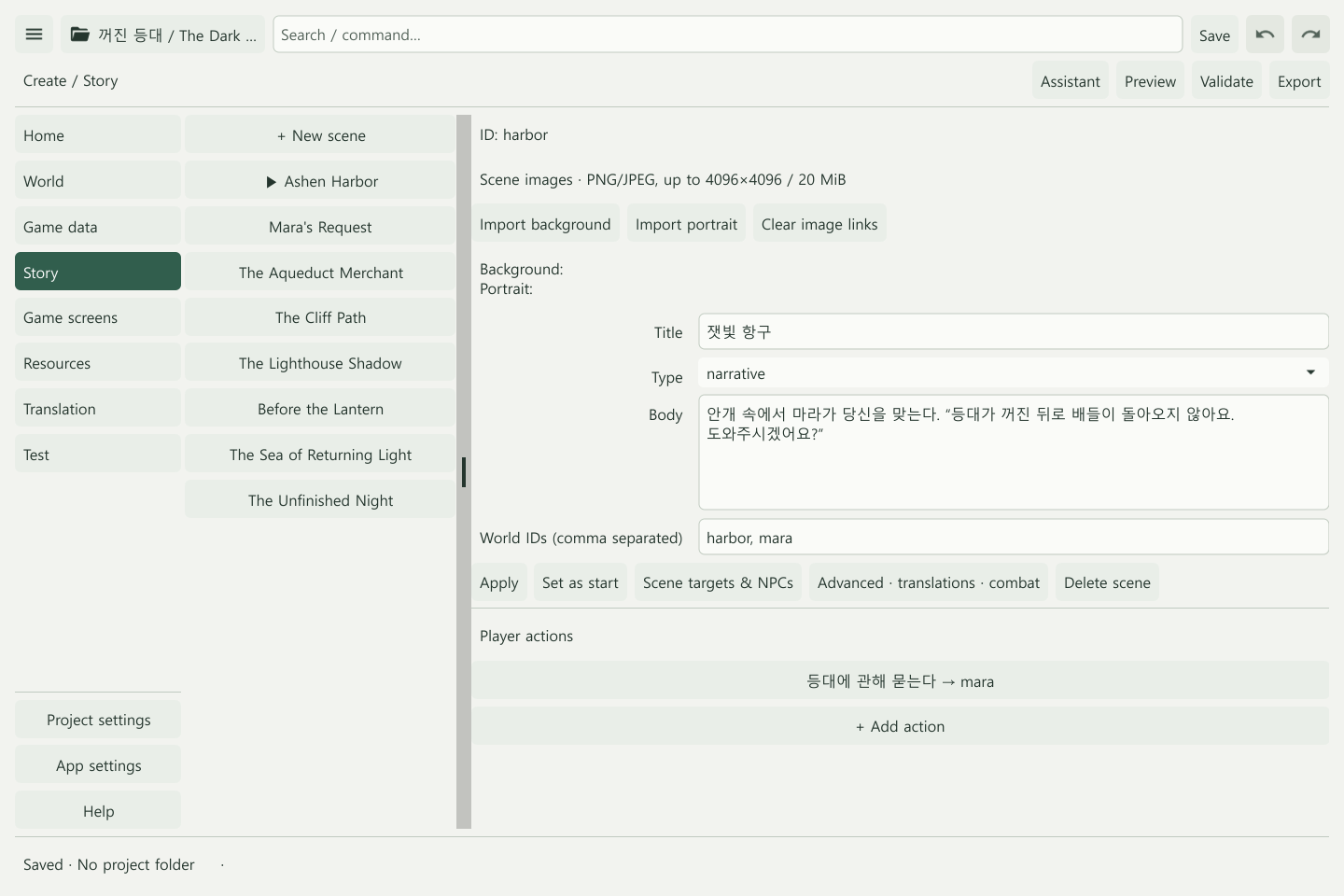
Create a first scene
- Choose Story → + New scene.
- Enter a title, type, and body.
- Link relevant lore through World IDs, separated by commas.
- Select Apply, then Set as start if this is the opening scene.
- Save and create the other scenes and endings.
Scene titles and IDs are different. Use the ID displayed in the scene editor when entering an action’s destination.
Make a two-choice branch
Create an arrival scene and separate lighthouse and channel routes.
- Choose + Add action in the arrival scene.
- Enter “Head toward the lighthouse” and the lighthouse route’s next scene ID.
- Apply, then add “Inspect the channel” pointing to the other route.
- Validate that each route leads to an ending or another valid scene.
Use the same method to connect components added to an existing story.
Conditions, checks, and effects
| Part | Question | Example |
|---|---|---|
| Condition | Can this action be selected? | Does the player have at least one key? |
| Check | Did the action succeed? | Is d20 plus persuasion at least the target? |
| Effect | What changes as a result? | Give an item, advance a quest, change a variable |
The action form provides Check dice, Attribute, Target, and Failure scene ID. Use the Expression builder for compound conditions and calculations. Apply a new action, then reopen it to access the builder.
Conditions do not roll dice. Use checks for random outcomes, and test both success and failure destinations.
Images and combat
Import backgrounds and portraits through the scene’s image controls. Valid imported project images are included when exporting.
Use Advanced · translations · combat and the combat settings in Game data when adding combat. A combat component is a useful starting point for checking victory, defeat, and escape routes before replacing the content.
Check through play
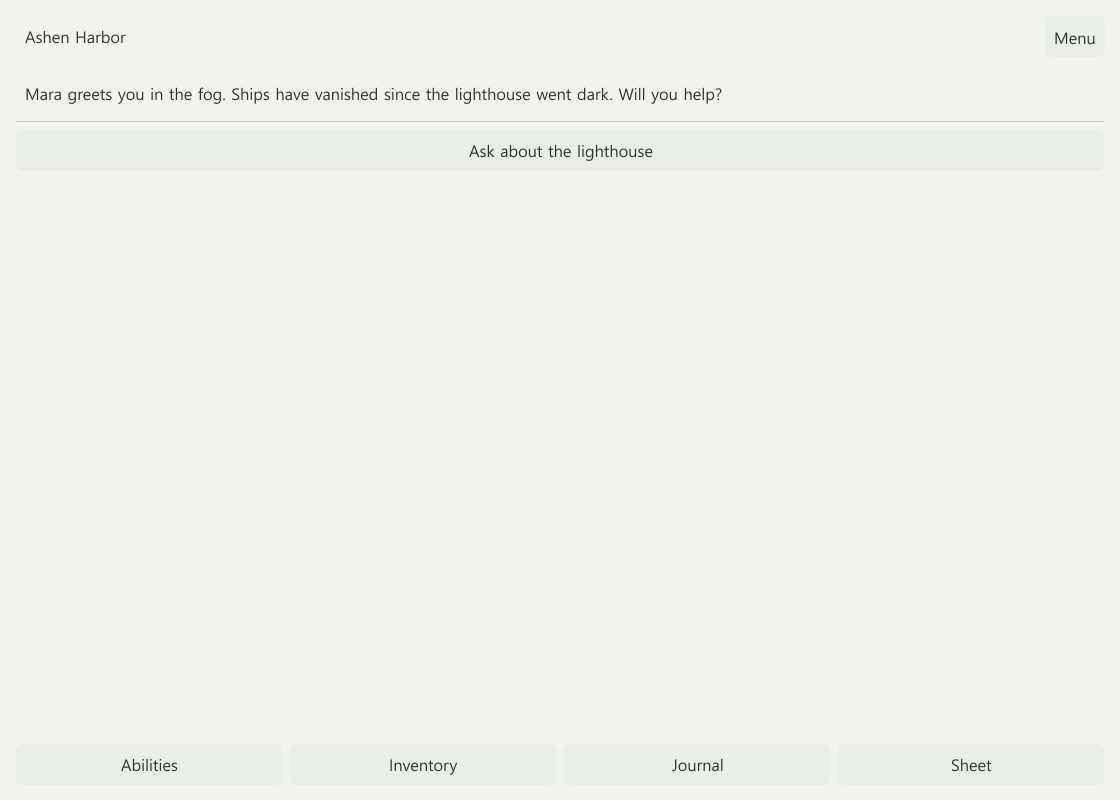
- The correct scene starts, and its text and images appear as intended.
- Choices behave correctly when conditions are met and unmet.
- Success, failure, and post-combat routes remain connected.
- Endings are reachable, and item and quest changes are correct.
Next: Rules and expressions · Play and export
Coming later: story checks
We are working on tools to find paths through a story when every check fails, every cost is declined, or an essential character is absent. Players will also be able to see a choice’s cost before confirming it. See A world that remembers.