Maps
Open: World → Maps
Maps lets you mark locations on a background image. Pins point to world places; adding a pin does not automatically create a playable scene or travel action.
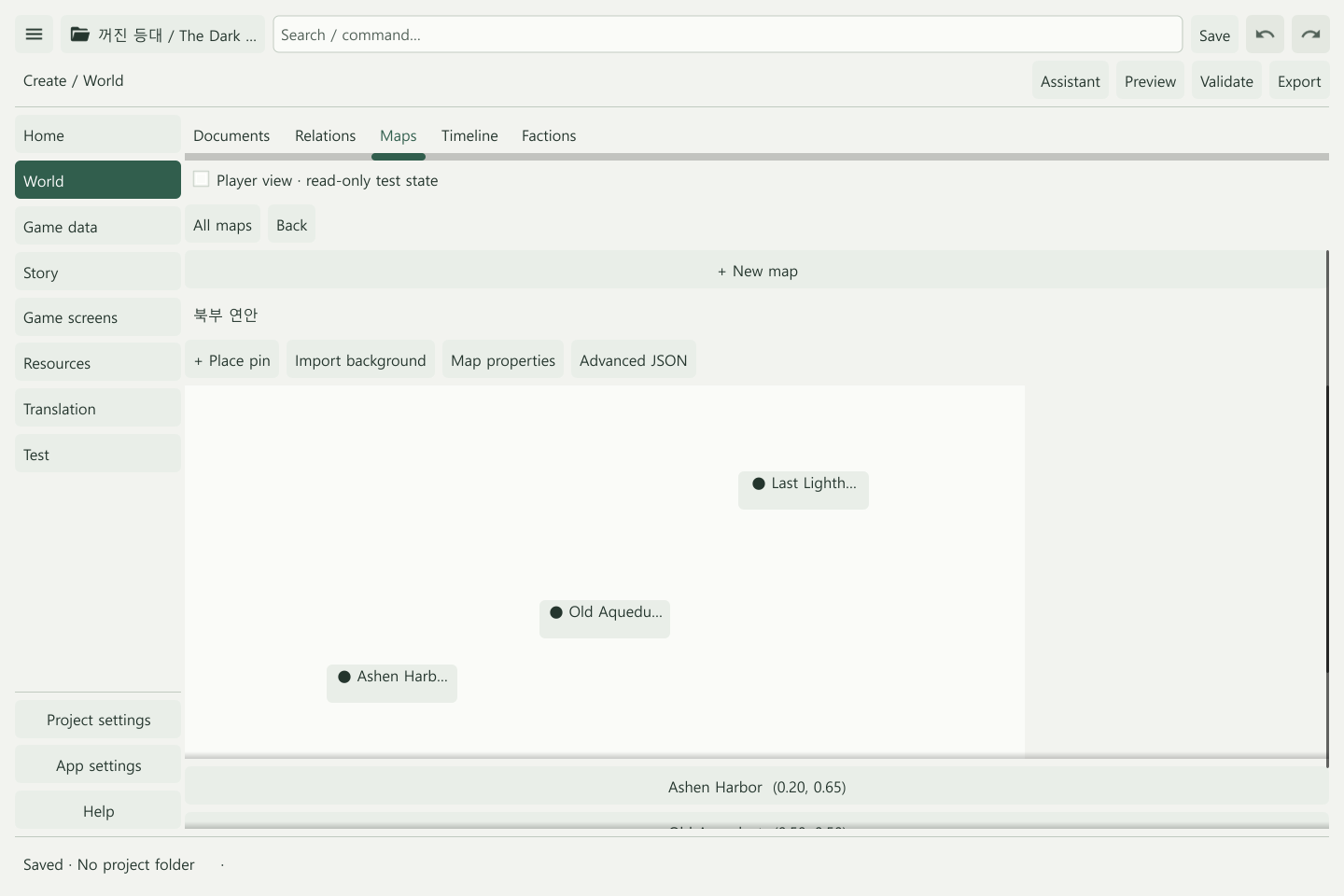
Create the first map
- Choose Maps → + New map.
- Give it a useful name in Map properties.
- Choose your map through Import background.
- Use + Place pin to select an existing place or enter a new place name.
- Set the position, apply, and save.
Pin X and Y coordinates range from 0 to 1. X sets the horizontal position and Y the vertical position. You can also drag pins on the map.
Connect a world map and a local map
Create both maps, then select the local map in a place pin’s Submap field. Open it from the parent map and verify Back and All maps navigation.
Submaps support geographic browsing. Actual game travel is configured through scene actions.
Prepare a public map
Hiding pins is not enough when secret passages or GM notes are painted into the background. Use Map properties → Choose public image to assign a separate player-facing background.
Without a public background, player view shows a blank surface. Set visibility for places and pins, then check Player view. Conditional entries depend on unlock state.
Example: connect a harbor and lighthouse
Place harbor, old-channel, and lighthouse pins on a “Northern coast” map. Connect a “Harbor streets” submap to the harbor pin. Remove the secret entrance from the public image and configure the entrance pin’s visibility separately.
Common problems
- No place available for a pin: Create a world place or use the new-place field in the pin form.
- Missing background in player view: The normal and public backgrounds are separate. Check the public image assignment.
- A pin exists but the player cannot travel there: Create and connect the corresponding scenes and actions.
- Remove a pin: Use Remove pin in its form. The place itself remains in World.
Next: Scenes and actions · World building