Starting a game and character creation
Creators define the starting rules; players start a game within those rules. New project belongs to the editor, while New game belongs to the exported game. The GM is a facilitator and need not be the creator.
Begin at the title screen
Exported offline games begin with Title → New game or Load → Play. The title provides New game, Load, Settings, Game information and notices, and Quit. The editor’s preview opens directly at the selected initial state.
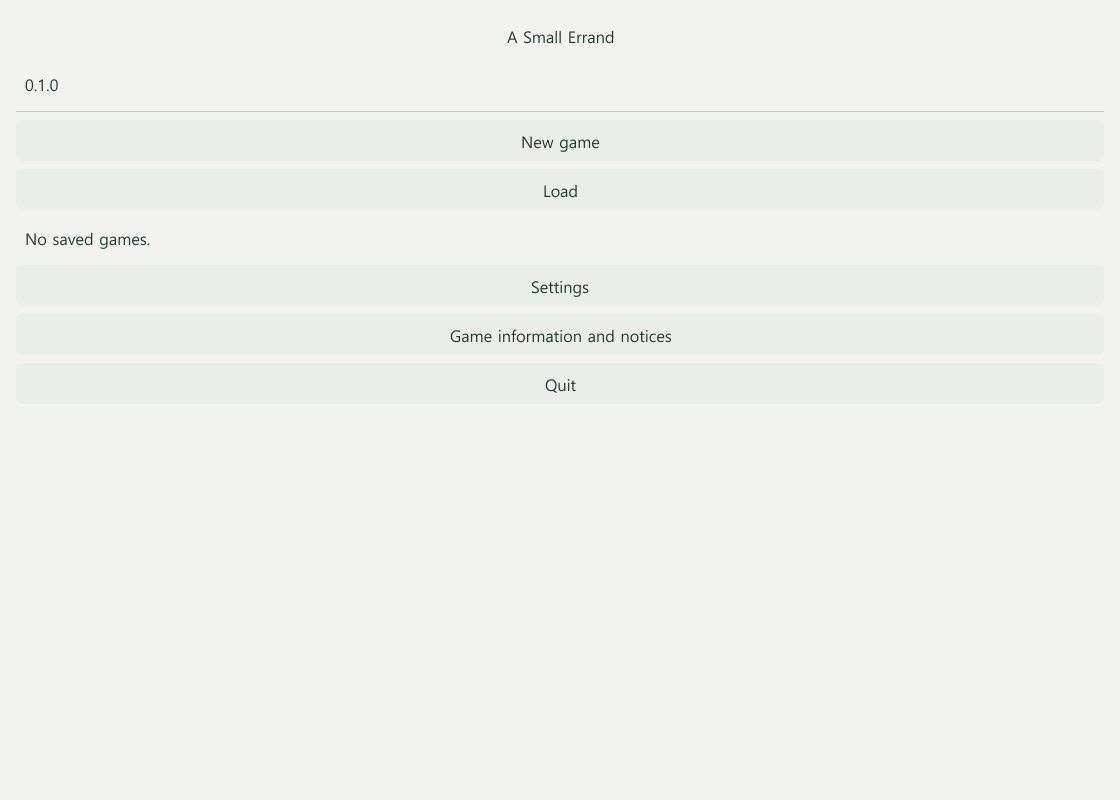
New game creates a separate playthrough and preserves existing saves. Load restores the saved state without repeating scene-entry rewards. Unreadable or incompatible saves remain in the list with an explanation.
Planned: choosing a starting mode
| Mode | Player experience |
|---|---|
| No character | Enter a story without a character setup screen |
| Fixed protagonist | Use a defined protagonist, with only permitted name or appearance changes |
| Prepared candidates | Select a creator-authored character |
| Direct creation | Build a character using allowed steps, choices, and budgets |
| Mixed | Choose between prepared candidates and direct creation |
Games where one player controls multiple characters can connect creation to party selection. Changing parties or reconnecting should not recreate characters.
Planned: character-creation settings
- Game data → Characters → Player creation rules: modes, candidates, point budgets, prerequisites, starting grants, and approval.
- Story → Campaign → Starting setup: the first scene, starting conditions, party, and join boundaries.
- Game screens → Character creation: step progress, descriptions, remaining budget, final sheet, and navigation.
An example sequence is Identity → Background → Attributes → Abilities → Equipment → Review. Unneeded steps can be omitted. Existing character, skill, spell, and item definitions are reused. Creation budgets are distinct from in-play action costs.
Online games may require GM approval. Drafts and approval state should persist until confirmation. Returning to an earlier screen or retrying a request should not generate extra rolls or duplicate equipment.
What comes first
The basic title, New game, Load, and protection of existing saves are included in the current demo. Detailed character-creation editing, complex parties, and full approval tools will follow in later stages. Selecting a prepared character does not automatically grant control, speaking rights, or another player’s consent.
Lobby preparation conversations should link into campaign history without resending messages or widening private audiences. GM-free games need creator-defined approval, tie, and absence rules. See conversation and permissions and session preparation and continuation.
What the current demo supports
Creators can define shared characters and initial state, and a GM can assign characters to personal invitations. The title, separate new playthroughs, and loading saves are supported. The creation-step editor and player character-creation process described above remain planned. Use Play and export for current launch instructions and Online sessions for assignment.