Relations
Open: World → Relations
Relations connects world entries: a person belongs to a guild, lives at a place, or witnesses an event.
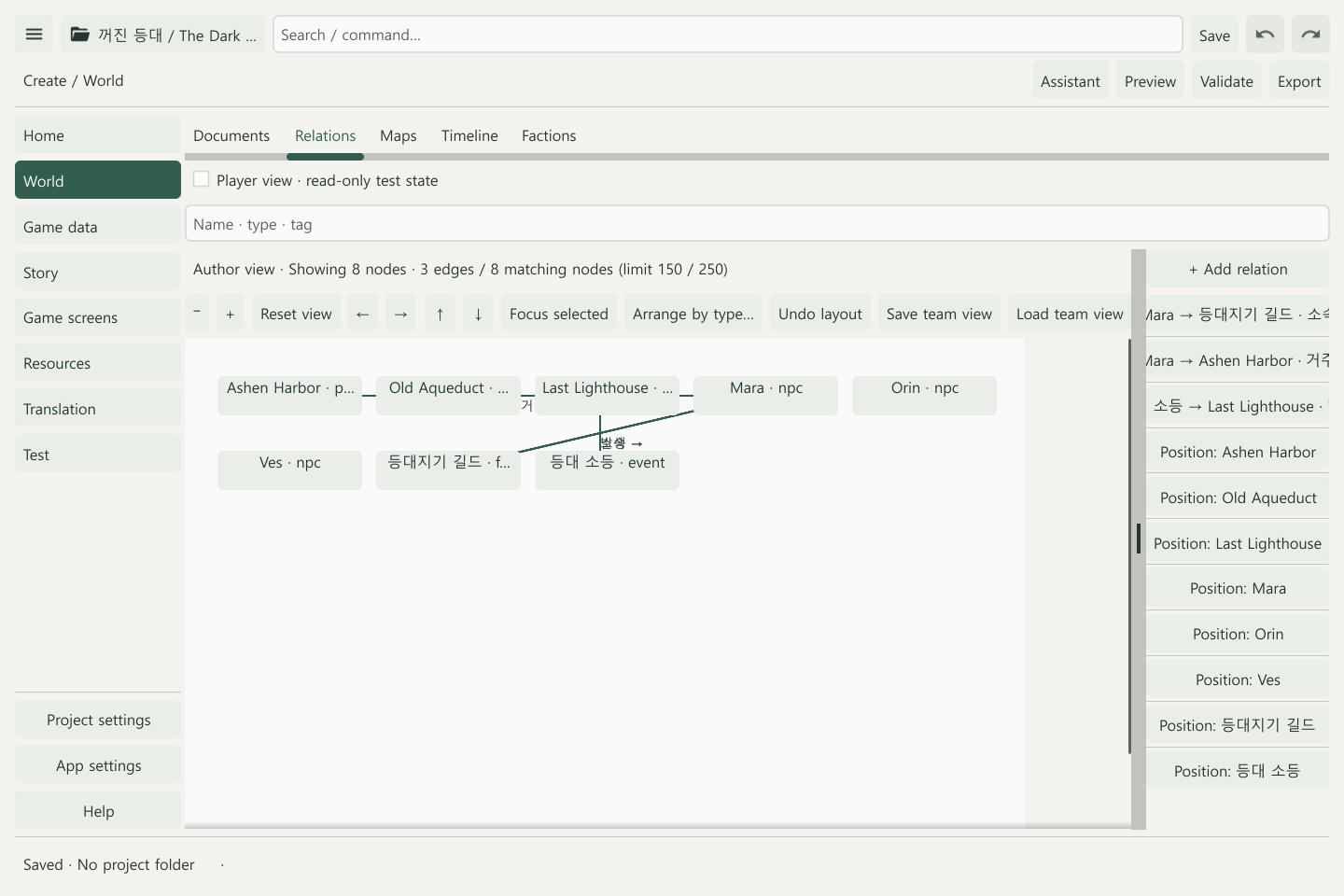
Create a relationship
- Create both entries in World.
- Choose Relations → + Add relation.
- Set From, To, Type, and a description.
- Select Directed for a relationship that points from one entry to another.
- Set visibility, Apply, and Save.
For example, connect Mara to the keepers’ guild with a membership label. To manage actual joining, reputation, and roles as game rules, use Factions.
Organize a larger graph
Search by name, type, or tag. Zoom and pan to inspect an area. Drag nodes into place or enter their positions in the layout controls. Review a type-based arrangement before applying it.
Use Reset view to regain your bearings and Undo layout to revert a recent arrangement. Moving a node changes its display position; editing a relation changes its meaning.
Personal arrangement and team views
Use Save team view to share an arrangement and Load team view to use the stored layout. Sharing the project files with collaborators is covered in Git collaboration.
Check public visibility
After setting visibility, inspect Player view. Older builds may label it Public data preview. This read-only view helps check that hidden entries and their relations are not exposed.
Unlock values entered in preview are test inputs. To reveal conditional lore during actual play, connect an appropriate scene or ability effect.
Check the result
- Direction and endpoints match the intended relationship.
- Clearing search reveals the wider graph.
- Private information stays hidden in player view. Removing a relation leaves its world entries in place. To delete an entry itself, use the World menu.
Related: World building · Factions · Maps